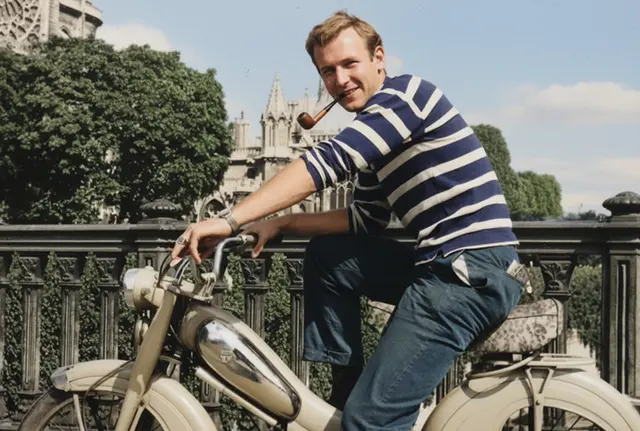
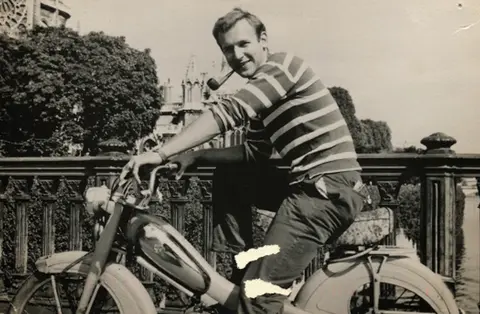
 After
AfterColorize an old photo
RestoreRestore edit
By @GeminiApp · source · Apache-2.0 · adapted
Upload a picture and write what should be different. MAI-Image-2.7 swaps the background, fixes the light or restores the old print, and leaves everything else alone.
Upload the photo MAI-Image-2.7 should edit.
Before → after
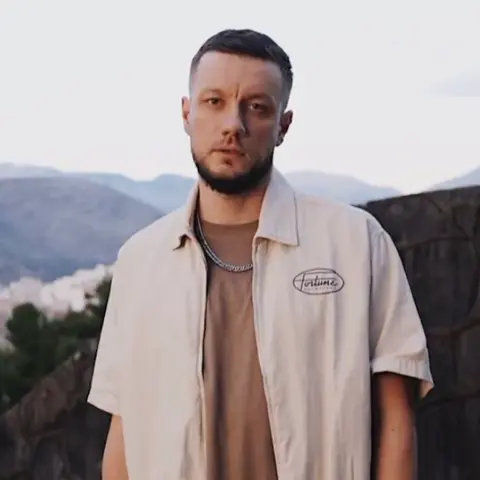
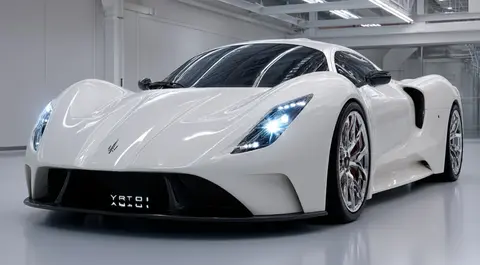
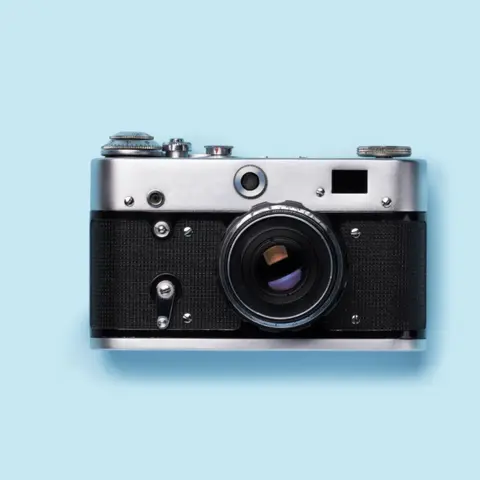
Each card shows the original photo in the corner and the edited version behind it. Hover to read the instruction, then load both into the MAI-Image-2.7 editor and swap in your own picture.
After
 After
After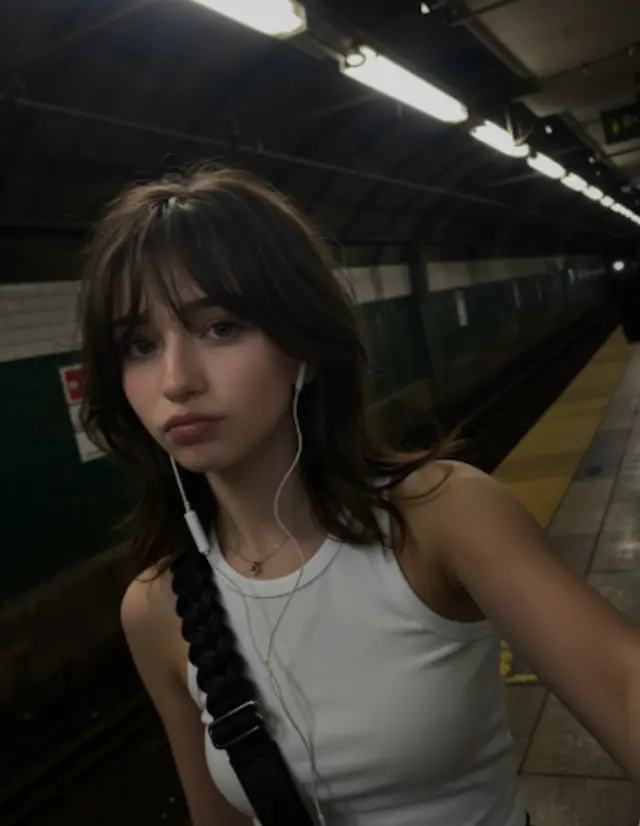
 After
After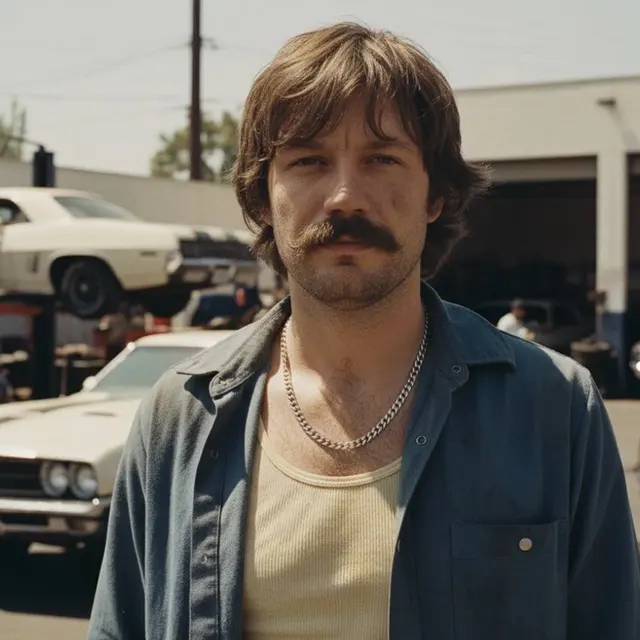
 After
After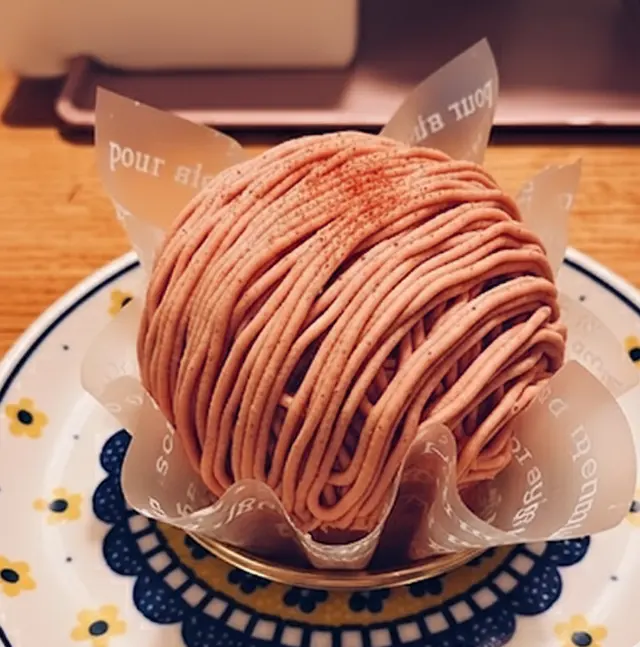
 After
After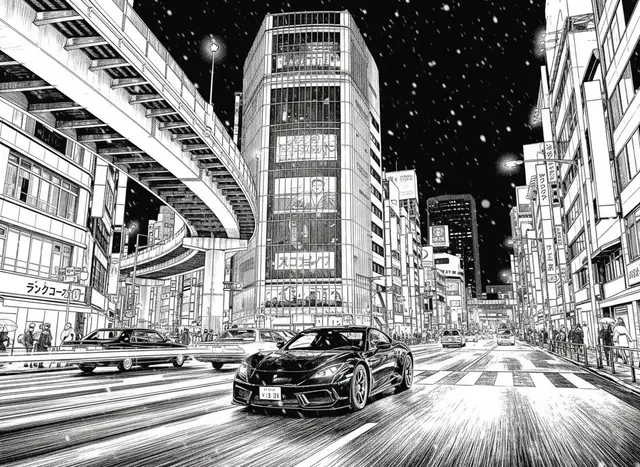
 After
After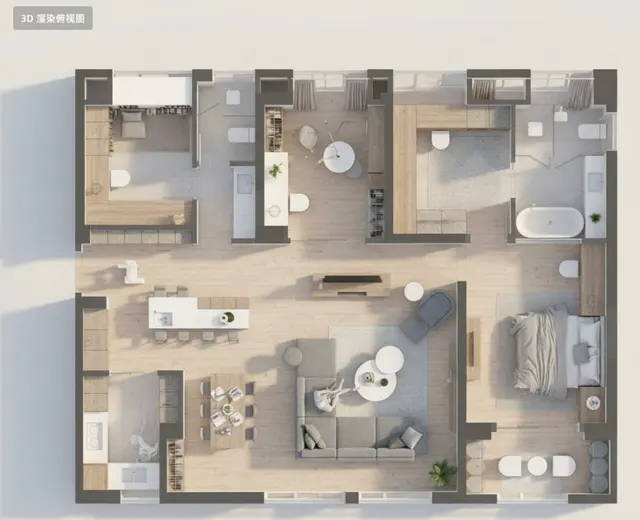
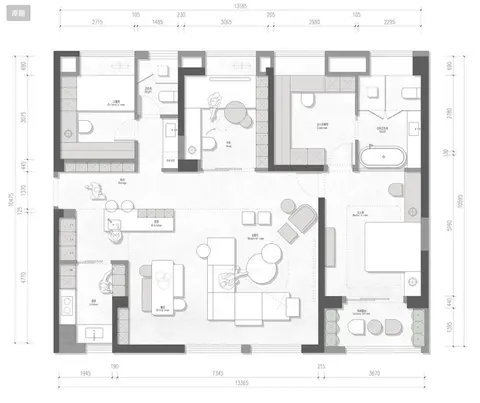 After
After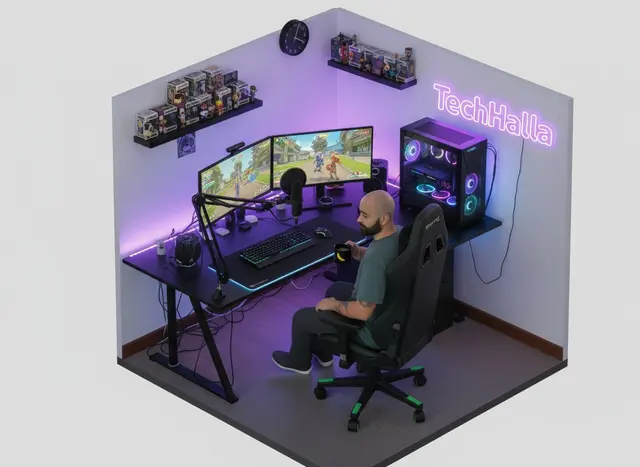
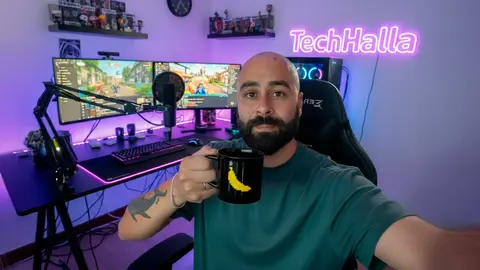 After
After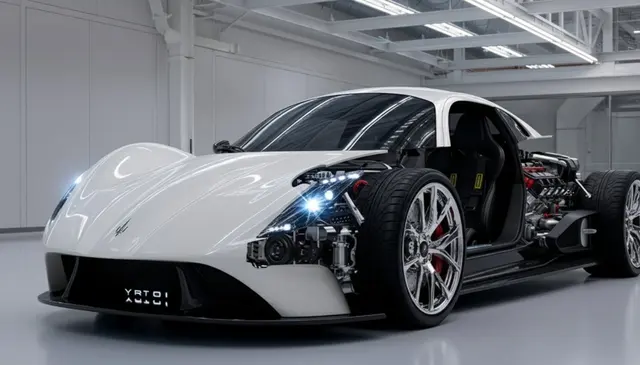
 After
After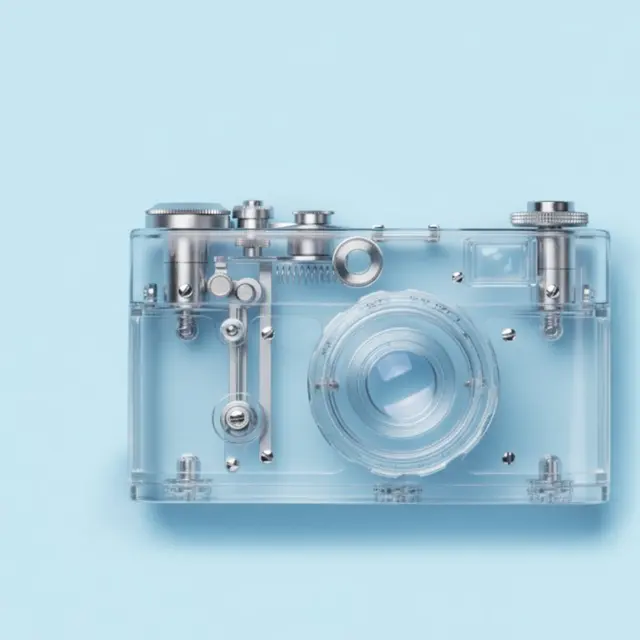
 After
After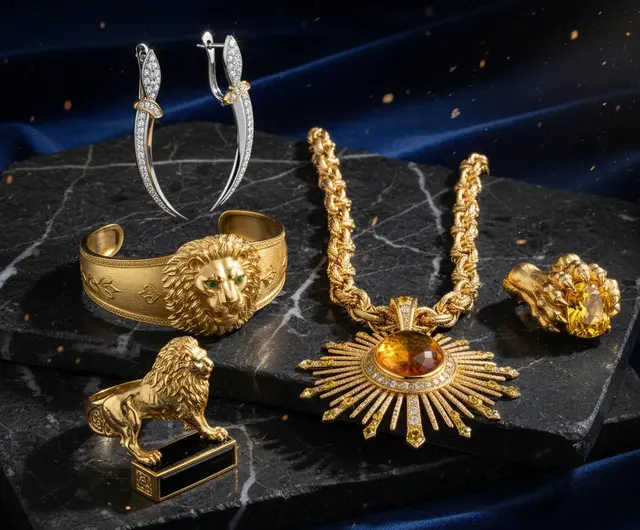
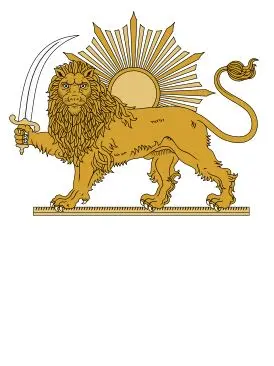 After
After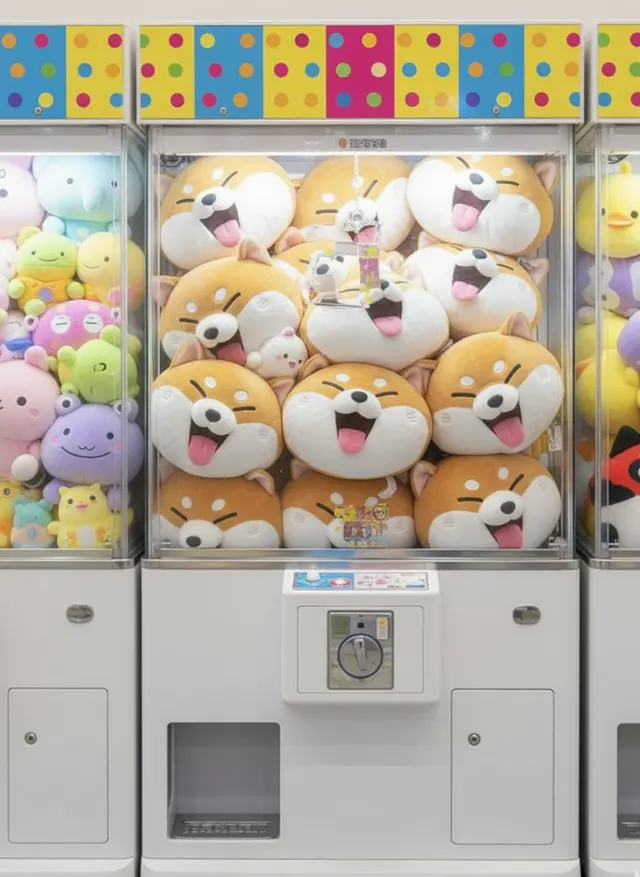
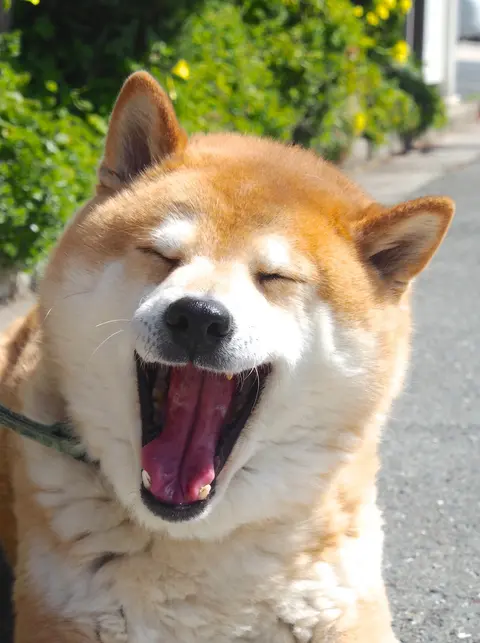 After
After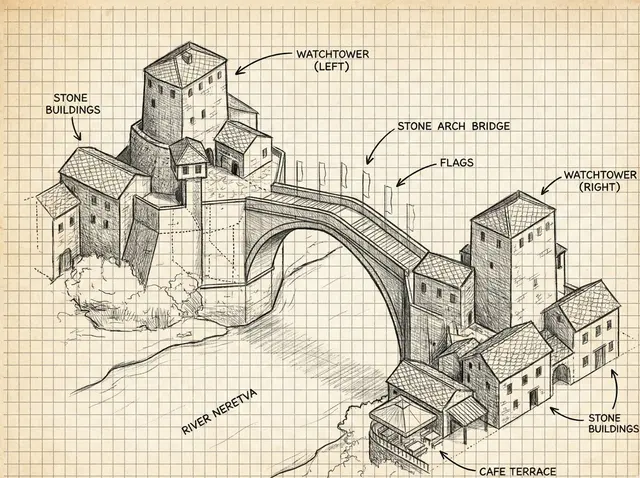
 After
After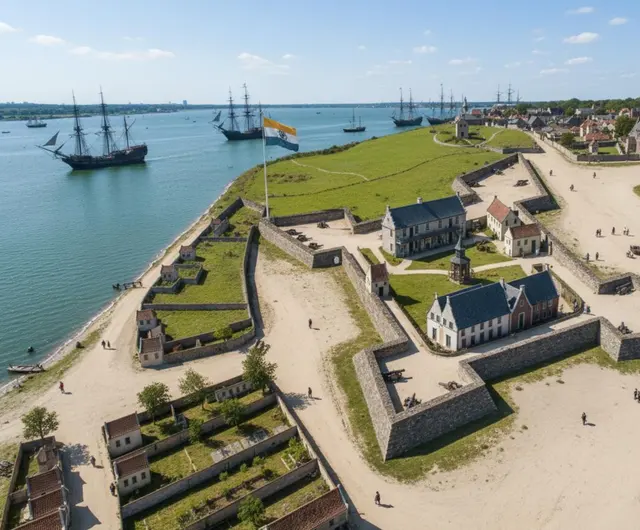
 After
After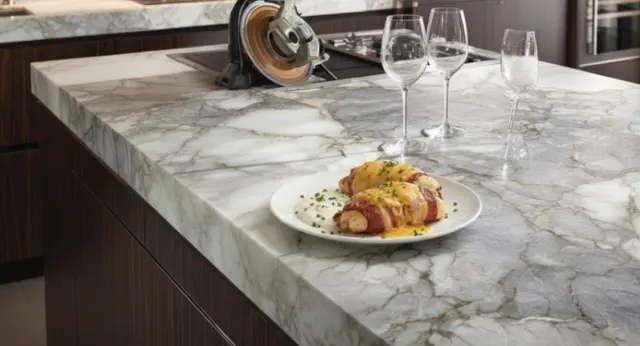
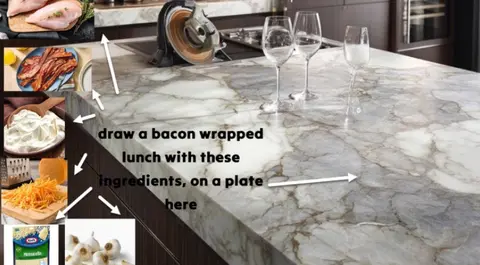 After
After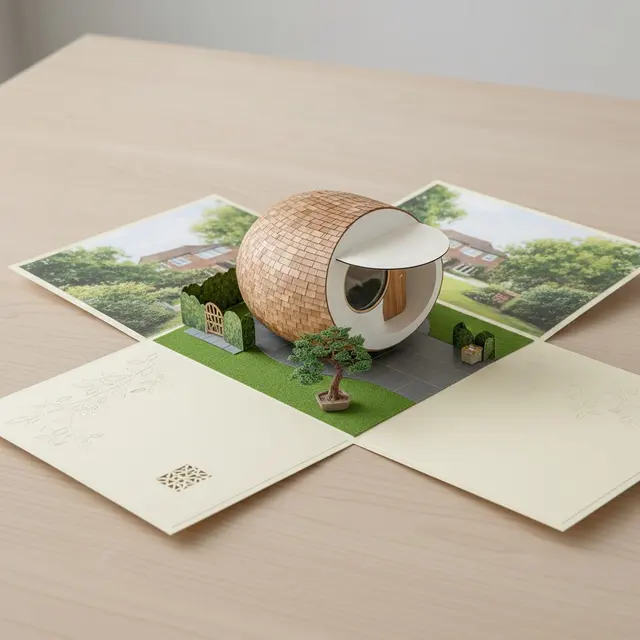
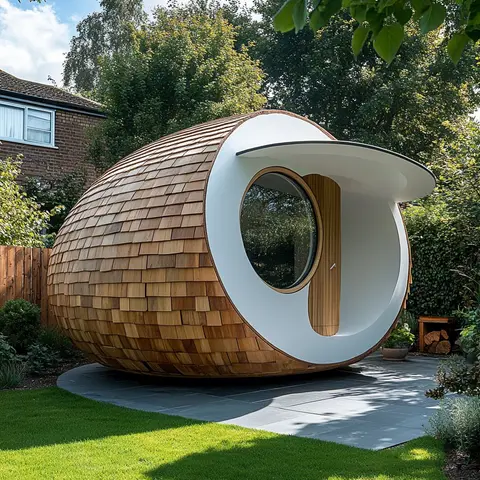 After
AfterExample photos and original instructions come from the open PicoTrex prompt collection, shared under Apache-2.0; each card credits its author, and the instructions are rewritten. They show what an edit can do, so your MAI-Image-2.7 result will not be identical.
The editor
MAI-Image-2.7 is a photo editor that takes orders in plain English: you upload a picture, write the one thing that should be different, and get back an HD copy where that change is made and the rest of the shot stays put. No layers, masks or brushes: one sentence per change, and the result is ready to download in under a minute.
Move a person, a pet or a product into a café, a beach or a clean studio set. MAI-Image-2.7 keeps the edges, the pose and the shadows believable.
Rescue a dark night shot, warm up a cold room or give a flat selfie golden-hour light with MAI-Image-2.7, without redoing the shoot.
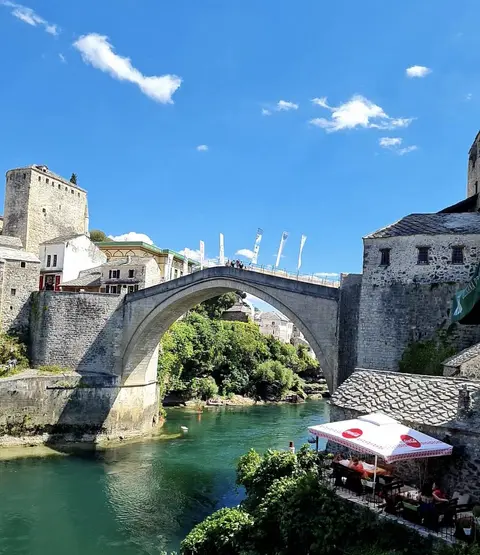
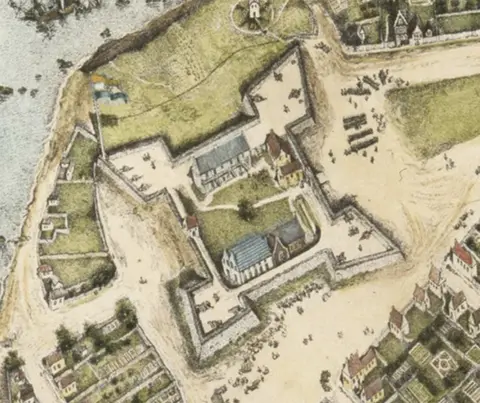
Take out scratches and fading, colorize black and white prints, or turn an old map or sketch into a believable modern photo with MAI-Image-2.7.
Try a suit for an ID photo, a 1970s haircut or a new jacket; MAI-Image-2.7 keeps the face of the person you uploaded.
Ask MAI-Image-2.7 to remove clutter, un-bite a dessert, make a camera out of glass or cut a car open to show the engine.
Redraw a street as a manga panel, turn a floor plan into a 3D render or shrink your desk into a miniature diorama with one MAI-Image-2.7 instruction.
maiimage27.com is run independently by a small team. Microsoft does not operate, sponsor or endorse this MAI-Image-2.7 photo editor.
Three moves
JPG, PNG or WebP up to 15 MB. The first photo is the one MAI-Image-2.7 changes; add up to 3 more if you want it to copy an outfit, a product or a style.
Give MAI-Image-2.7 one clear sentence, for example "replace the sky with a pink sunset, keep the people as they are". Leave the shape on Auto to keep the original framing.
MAI-Image-2.7 usually returns the photo in under a minute. Save the HD JPG, or send the result back into the editor for a second round. Every edit is kept in your private History.
Plans & packs
There is no free tier. Each MAI-Image-2.7 edit uses 2 credits from a plan or a top-up pack, so one edit can cost as little as $0.10.
No subscription needed for MAI-Image-2.7. Pack credits keep forever and are only spent once your plan credits are gone.
MAI-Image-2.7 is a photo editor that takes orders in plain English: you upload a picture, write the one thing that should be different, and get back an HD copy where that change is made and the rest of the shot stays put. No layers, masks or brushes: one sentence per change, and the result is ready to download in under a minute.
MAI-Image-2.7 handles changes you can describe in one sentence: a new background, different light, a colorized or repaired old photo, another outfit or hairstyle, a removed object, or the same scene as a sketch, manga panel or 3D model. Edits that rebuild most of the picture at once are less predictable, so split them into two rounds.
Usually, if you ask for it. Add a line such as "keep the face exactly as it is" or "do not change the label". MAI-Image-2.7 is good at keeping identity and logos, but small details can drift; when they do, run the edit again or reuse the result as the new starting photo.
Every MAI-Image-2.7 edit costs 2 credits, with or without extra reference photos. There is no free tier or sign-up credit: credits come with a monthly or yearly plan or a one-time pack, which brings a MAI-Image-2.7 edit down to $0.10. Paying yearly saves up to 37%.
Yes. MAI-Image-2.7 results carry no watermark, and you can use them in client work, ads, shops and social posts. You need the right to edit the photo you upload, and the consent of anyone recognizable in it.
Only you. Originals and MAI-Image-2.7 results sit in your account, never in a public gallery, and we do not use them to train models. Deleting an edit in History deletes its files too.
MAI-Image-2.7 accepts JPG, PNG or WebP up to 15 MB each: one photo to edit plus up to 3 references. Screenshots, scans and phone photos all work; very small or blurry pictures give weaker edits.
If MAI-Image-2.7 cannot finish an edit or the safety filter blocks it, the 2 credits are refunded at once and you get a hint on what to change. A finished MAI-Image-2.7 edit you do not like is not refunded, so it pays to be specific.
Today the editor runs on Microsoft's MAI-Image-2.6. When MAI-Image-2.7 is released, every new edit switches to it automatically, at the same 2 credits.
Bring the dark, cluttered or faded shot. Tell MAI-Image-2.7 what to change and download a clean HD copy with no watermark.